Qred VISA and Google Pay for businesses
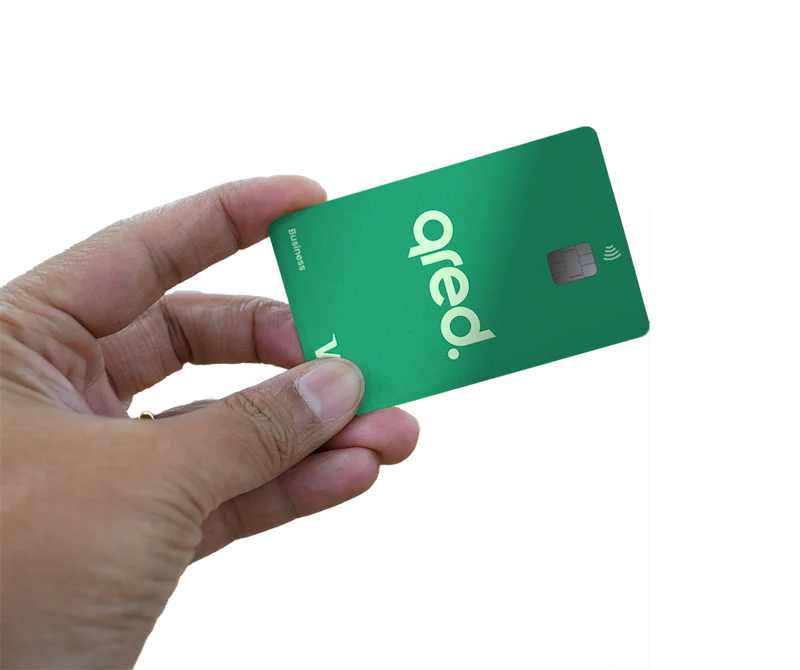
Get the most out of your Qred VISA card with Google Pay
No wallet? No problem.
Forget thick wallets and plastic cards. Pay digitally with a combination of Google Pay + Visa!
Only you can pay with your Google-connected device
Paying with Google Pay using your Qred VISA card is both secure and easy.
Personalized service — always
If you have any questions or problems with your Qred Visa card, you can always contact our customer support. Get help directly and quickly.
How does it work?


Google Pay for business: easy to use
Look for the Google Pay or mobile payment symbols shown below, which mean you can make payments in apps, online, or stores using your mobile device, watch, tablet or computer.
Don't waste time tracking expenses
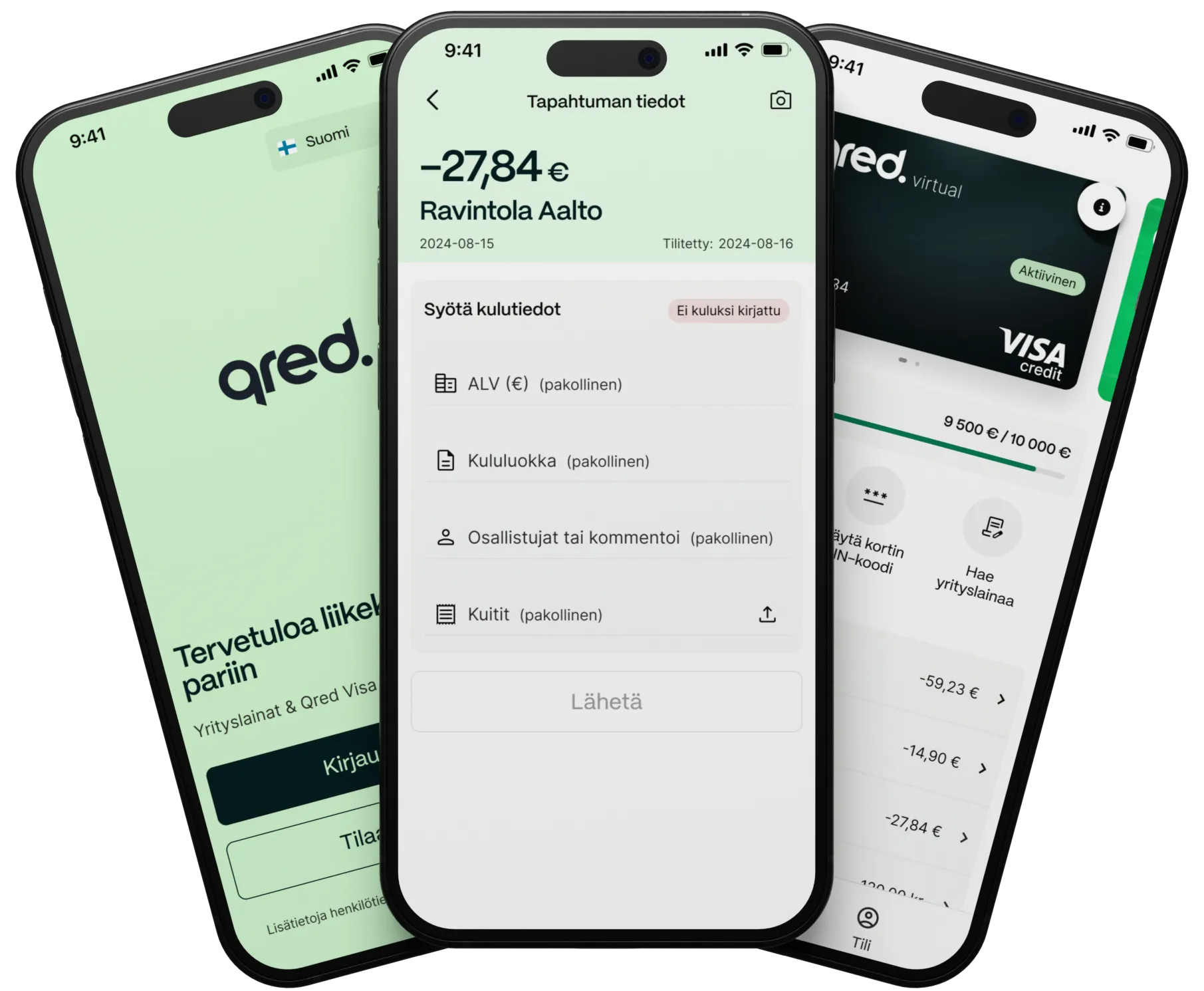
Improve your accounting by storing company receipts directly in our app. All you need to do is take a picture of the receipt with your phone. Google Pay ensures smoothness — your phone is already in your hand when you pay!
Google Pay for business: questions and answers
Our Finnish Country Manager Antti and his team have answered the most frequently asked questions here.
How does Google Pay pay work?
Google Pay is a digital wallet and payment platform offered by Google that allows users to make payments on their mobile devices.
It stores card details and enables a secure payment method both in stores and online. Users can also transfer money to other people, as well as manage their subscriptions and other payments.
Paying with Google Pay requires a compatible phone and payment card to be paired with the app. Security, compatibility and operational issues are common, and it is important to ensure that all payments are made securely.
Voinko käyttää Google Payta, jos minulle on iPhone?
Et voi. Google Payta käyttääksesi sinun tulee olla Android-käyttäjä.
Maksaako Google Payn käyttö?
Ei. Qred Visan yhdistäminen Google Payhin ja Google Payn käyttö on maksutonta.
Do you support the use of Google Pay?
You can pay with Google Pay when you use your Qred VISA card. Enable your digital credit card in the app as soon as your application is approved. All you have to do is connect it to Google Pay.
